The First 14 Days: What I've learned about taking great photos
I recently wrote a post about how I'm learning to take insanely great pictures. This is the first follow-up community post on that topic, with more to come as I learn the ropes.
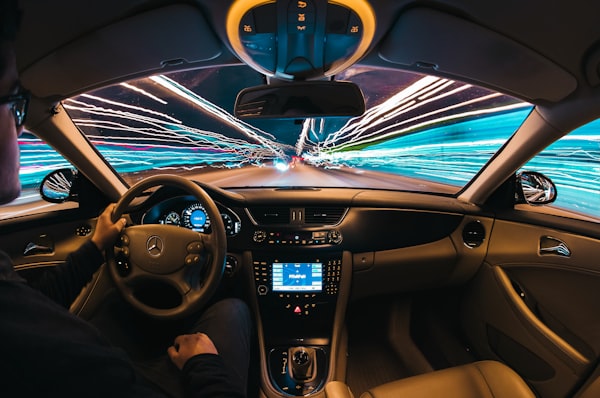
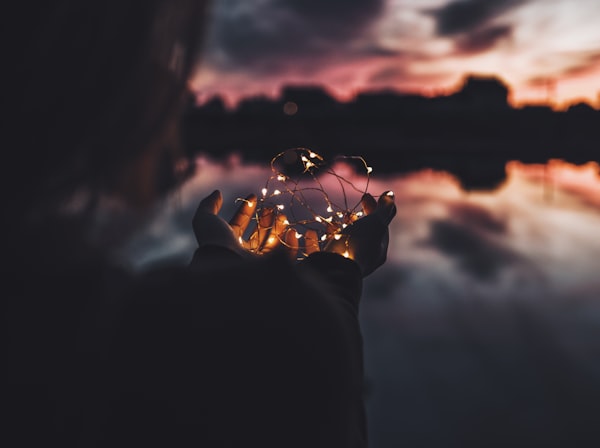
First things first: I'm already taking better pictures than I ever have before. So even with just a bit of motivation, the right camera, and some patience, you can definitely take pictures that are orders of magnitude better than before.
I'm not yet taking world-class pictures -- I know that will take years of practice -- but as an example, here are a few of the pictures I took this past weekend at a friend's wedding:


Here's my setup so far, as well as tips on what I've learned:
1) I'm using the Panasonic Lumix GX1 camera exclusively for all these shots. In the main blog post I wrote a number of details on why I picked that camera.
2) After I've shot a couple hundred shots, I take the SD card out of the camera and pop it into my laptop, and I import the pictures into Adobe Lightroom. Lightroom is the same software most professional photographers use for cataloging their pictures. It can be a bit daunting, so you have to decide if you want to commit to learning it. But I'd say that taking great photos is equal parts photographer skill + the right camera + post-processing in an environment like Lightroom. Or to put it another way, if you're not importing your photos into Lightroom and tweaking them, you won't get the kinds of photos you see above. Also, I shoot in the RAW file format vs. JPG, which gives me the ability to tweak the photos much more in Lightroom (but also produces much larger image sizes). If you want me to write a more in-depth post about how I use Lightroom, please let me know in the comments below.
3) I created an account on SmugMug to showcase the photos I want to export from Lightroom. Lightroom integrates with SmugMug directly from the app and will sync changes to your albums that you make to photos in Lightroom.
4) Sometimes, I take a 5 shot burst of varying exposures for importing into Photomatix Pro. This produces the deep HDR photos, like of this desert landscape in my SmugMug Landscapes album.
I still have to get through the entire online manual for the camera; I have a lot to learn about aperture, shutter speeds, framing the shot and lots more. I also ordered two faster SD cards to test (to write pictures to the camera faster, and without a delay); I'll write a post up with the results of that test next week.
Lastly, here's a little pro tip for the Lumix GX1: The lens cover is small and easy to lose. So I did a little ghetto velcro work to secure the lens cap when I'm using the camera:

Subscribe to DROdio
Do Something
Get new posts sent to you. If you change your mind later, unsubscribe with one click.
You're a member of this community! Use the buttons on the right to vote on ths post or share it with others. Or leave a reply below.